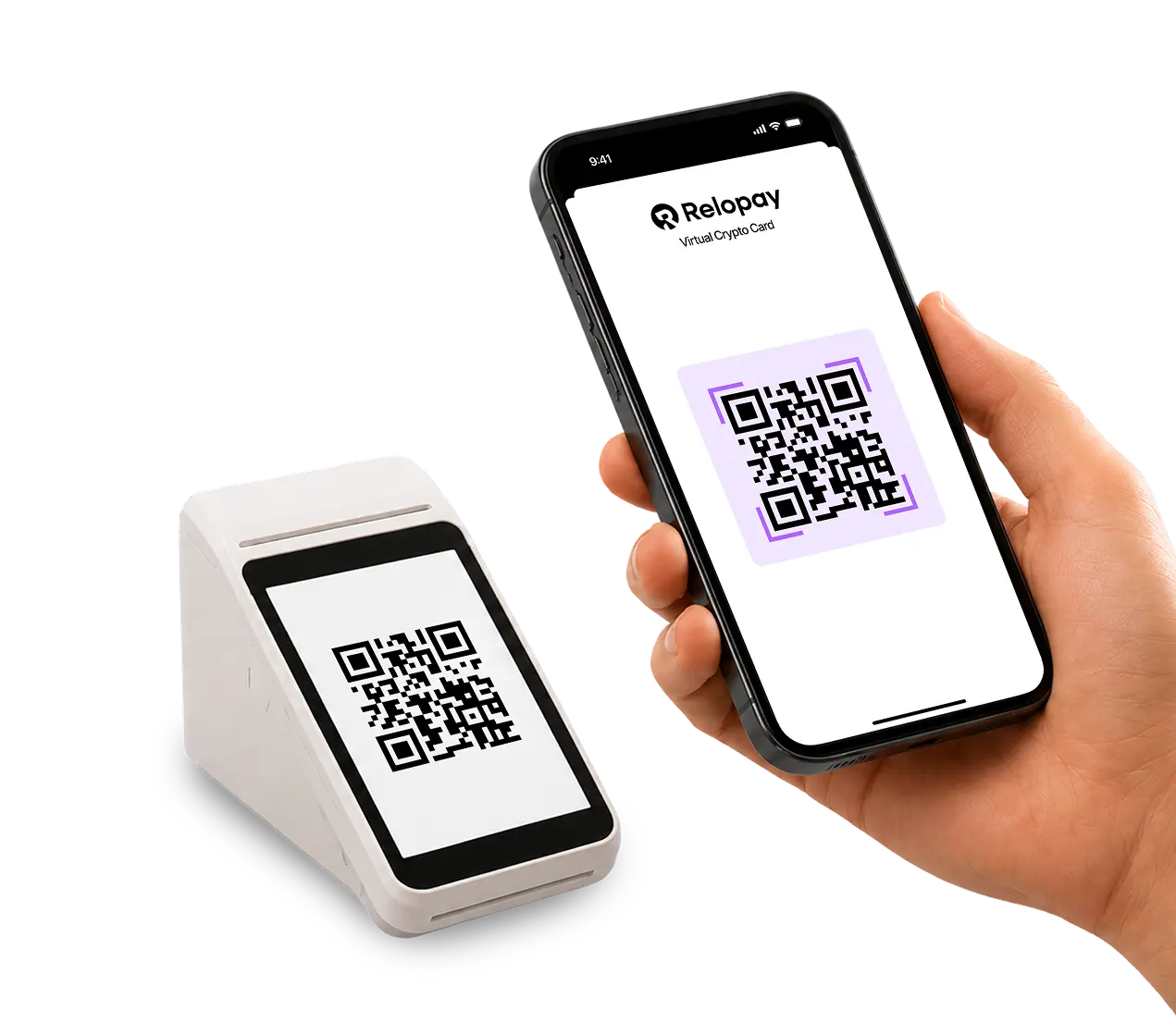
Open your Relopay account
Sign up in the web app and complete verification once. Nothing to install.
How it will work
No local bank account, no app store, no Telegram. You open a Relopay account in your browser and pay with the phone already in your hand.
Sign up in the web app and complete verification once. Nothing to install.
Add funds with USDT, USDC, BTC, or ETH. Costs are shown before you confirm.
Scan the merchant's QR code, check the amount, and confirm. The money moves from your balance.
Coming in NovemberThe Relopay web app
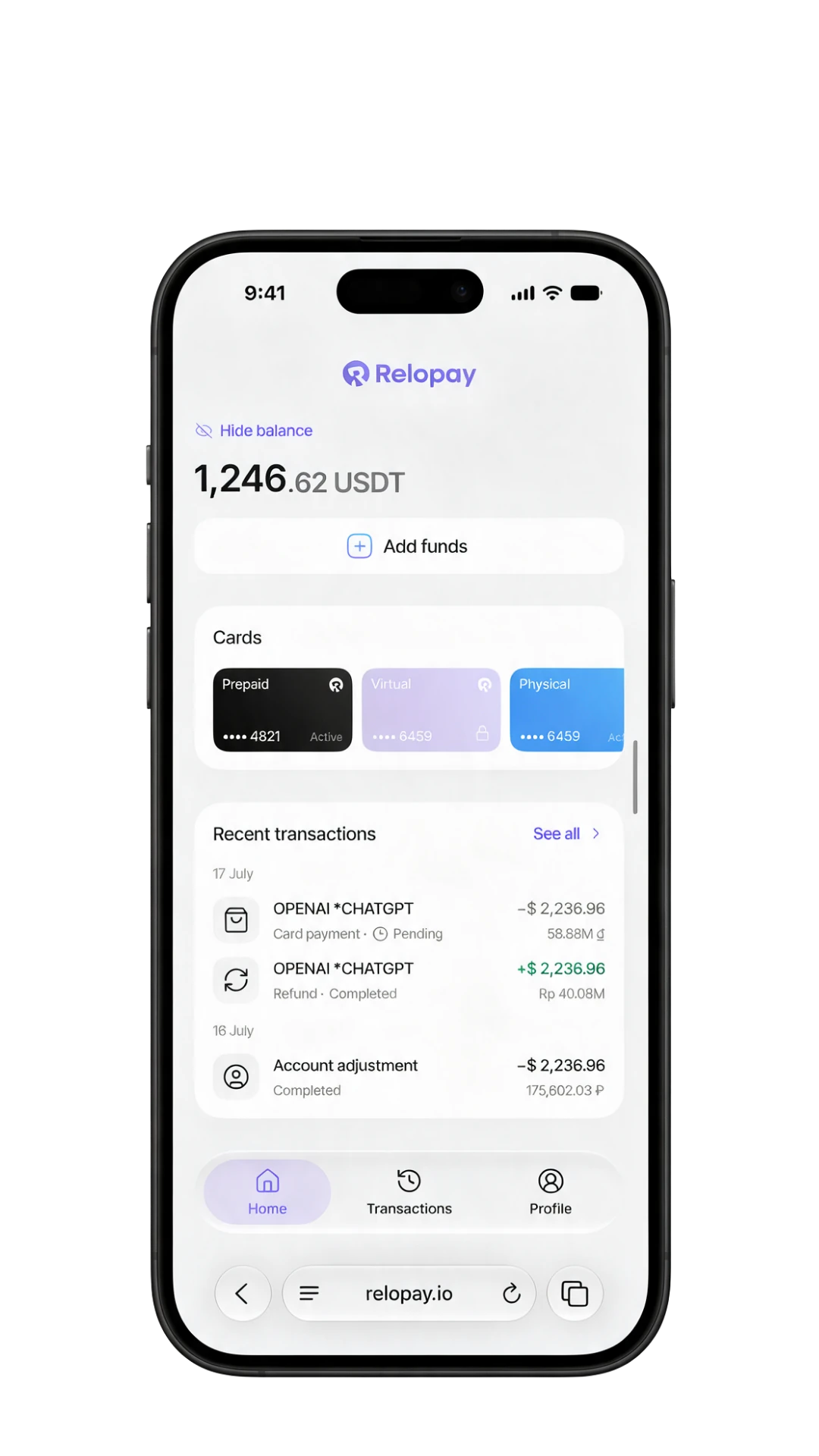
The Relopay web app arrives in November and QR payments live inside it. Open it in your browser, add it to your home screen and it behaves like any other app.
Why join early
Every new city usually means a new payment setup. Scan-and-pay from your Relopay balance is designed so it doesn't.
The shop's code is the whole setup. No terminal, no card at the counter.
Top up once with USDT, USDC, BTC, or ETH and spend from the same balance.
Merchant and amount appear first. Freeze your account whenever you want.
We open cities in the order the waitlist fills. Adding yours moves it up the list.
FAQ
They arrive with the Relopay web app in November and open country by country. The waitlist decides the order, so adding your country moves it up the list.
No. You open a Relopay account in your browser. If you use Telegram, you can leave your handle in the waitlist form, but it's optional.
No. Relopay runs as a web app in your browser. You can add it to your home screen if you want it one tap away.
Scan the merchant's QR code with your phone camera, check the merchant and amount, and confirm. The money moves from your Relopay balance.
USDT, USDC, BTC, or ETH. Costs are shown before you confirm.
We open cities in the order the waitlist fills, starting with merchants in Vietnam, Thailand and Indonesia. Adding your country to the list moves it up.
Yes. You complete verification once, when you open your account in the web app. You don't need it to join the waitlist.
No. You top up your Relopay balance directly with USDT, USDC, BTC or ETH from your own wallet, then pay merchants by scanning their QR code — no local bank account required.
Joining is free. We only ask for your name, email, and optionally your country and Telegram handle — no card or payment details are needed.
Join anyway. We open new cities in the order the waitlist fills, so adding your country now helps move it up the list for the next wave after launch.
Join the waitlist
Leave your details and we'll email you the day scan-and-pay goes live where you are.
Takes 20 seconds. We'll be in touch when the web app opens in your country.
We'll email you the day QR payments open in your country.